Installing on every PC
Legacy systems mean updates, licences and remote-access headaches.
Web ERP built for Azerbaijani legislation
Ocaq ERP fully replaces 1C and SAP: holdings with dozens of companies, role-based access and a mobile self-service portal. Nothing to install — it runs in the browser.
Legacy systems mean updates, licences and remote-access headaches.
A separate database per company — consolidation done manually in Excel.
When rates, thresholds or accounts change, the code has to change too.
Leave requests, certificates and payslips on paper, in queues.
All modules share one database: an HR order flows into payroll, payroll into accounting entries, a sale into stock and VAT — automatically.
Structure and staffing, employee card, orders and print forms, part-time jobs, leave balance (accrued monthly, automatically), recruiting, training, performance.
Calculation, income tax, SSPF, unemployment, health insurance, sick and vacation pay, timesheet, night and overtime, loans, data for tax and SSPF reports.
Chart of accounts, entries, trial balance, balance sheet, P&L, cash flow, VAT report and offset, period close, express accounting check.
Orders, invoices, VAT, price types, discounts, credit limit and overdue debt control, contracts, reconciliation statement, returns.
Weighted average cost, transfers, stock counts, reservations, batches and expiry dates, barcodes, minimum stock.
Bills of materials, production orders, output, multi-level MRP, kitting.
Acceptance, depreciation (straight-line, declining balance, units of production), tax depreciation, revaluation, counts.
Plan vs actual, responsibility centres, limits, payment calendar, cash and bank, loans received.
Leads, sales funnel, quotes, campaigns, service tickets (SLA), revenue forecast.
Route-based approval, resolutions and execution control, deadlines and reminders, archive.
Leave, business trip and expense requests, payslips, approvals — from your phone.
Announcements, polls, events, knowledge base, room booking, chat, org chart.
Your own reports on any list or register: grouping, filters, Excel, print and scheduled e-mail delivery (e.g. on the 25th of every month).
New catalogs, documents and registers without code; posting rules; C# scripts in an isolated process — like the 1C Configurator.
Multi-level document approval by amount, roles and permissions, audit, edit lock date, two-factor login.
"How many active employees do we have?", "Who are our largest debtors?" — answers with a report, within your role's permissions.
Screens with real demo data: a holding of three companies, ~230 employees, ~2,500 documents. Light and dark themes.
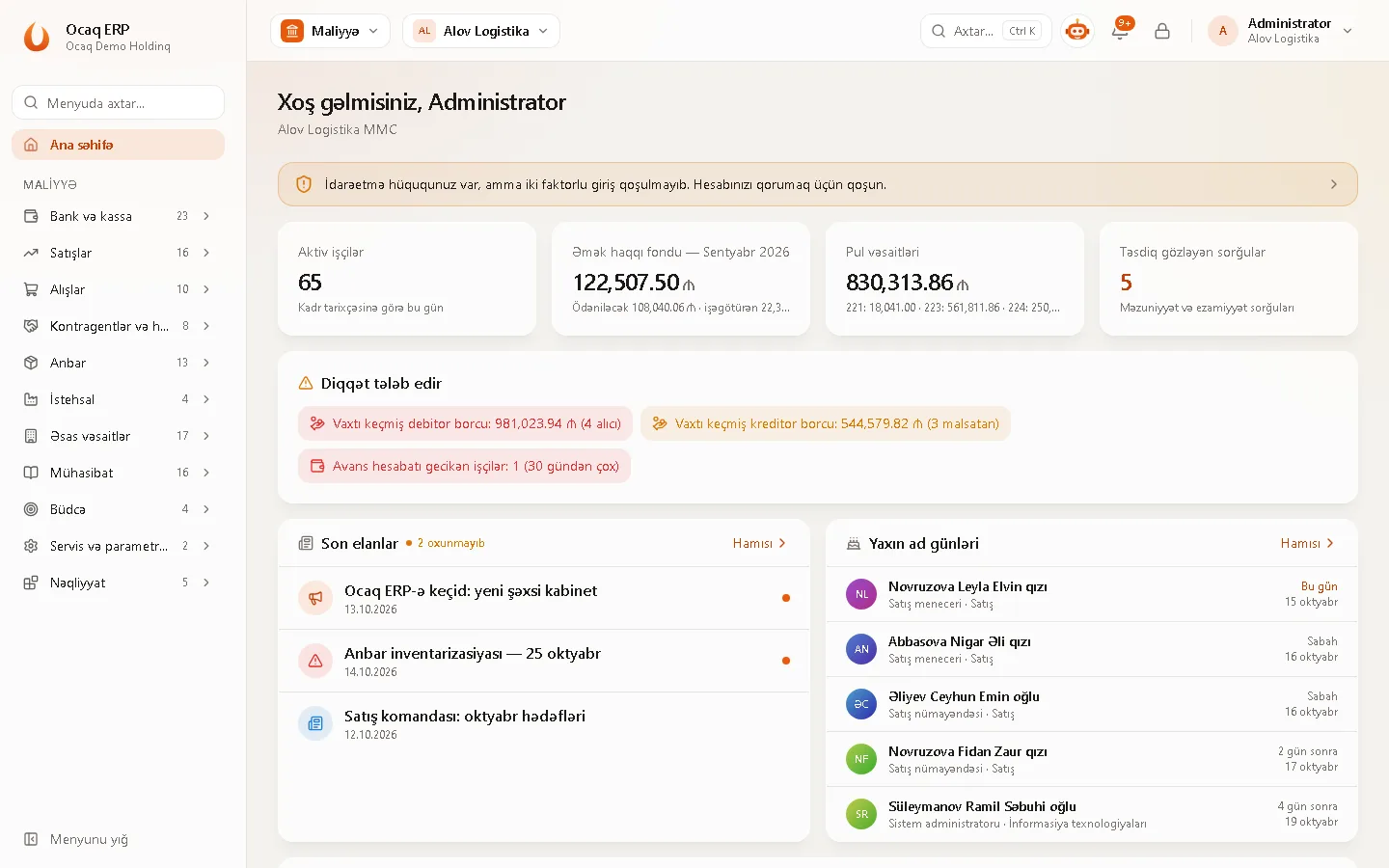
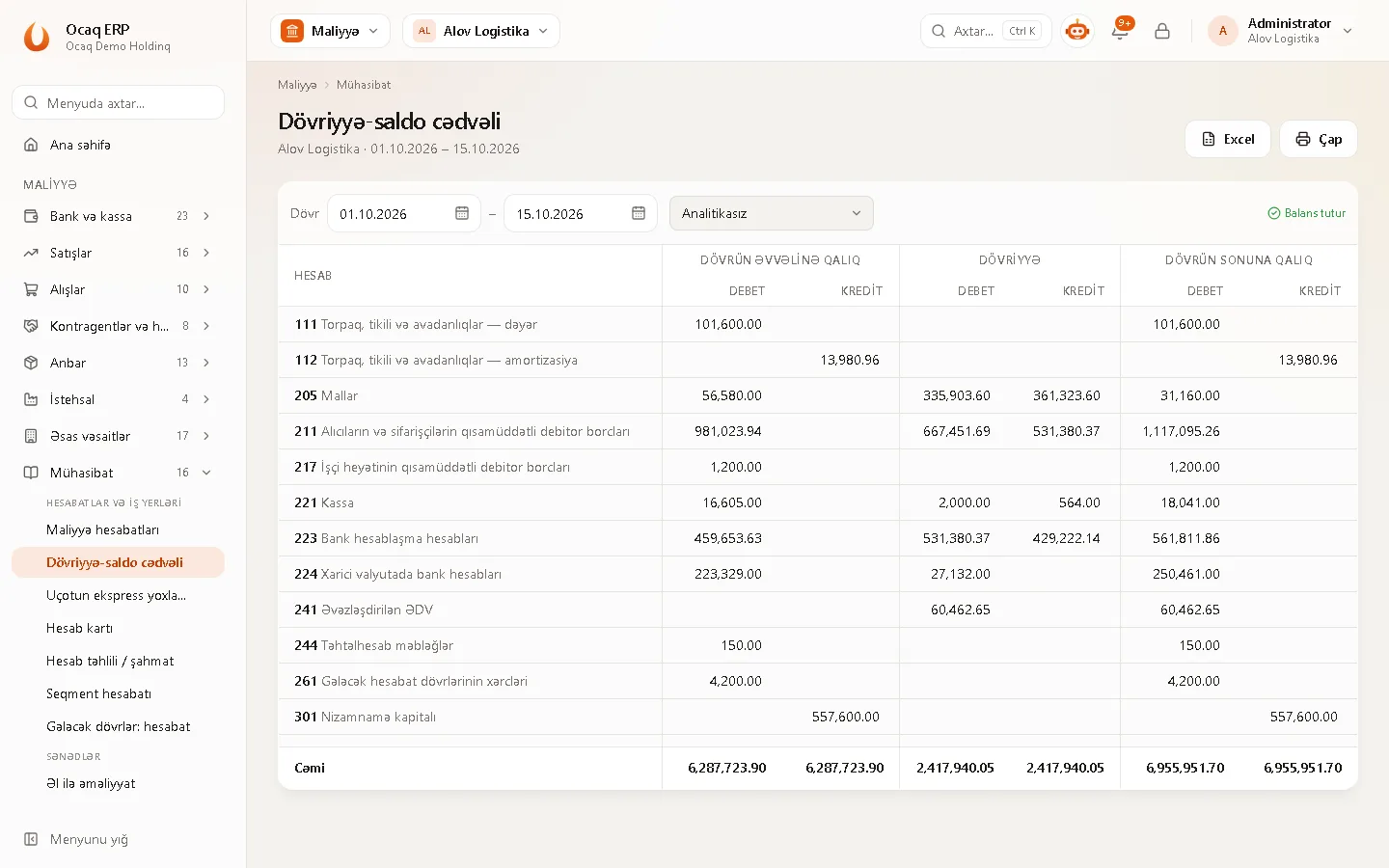
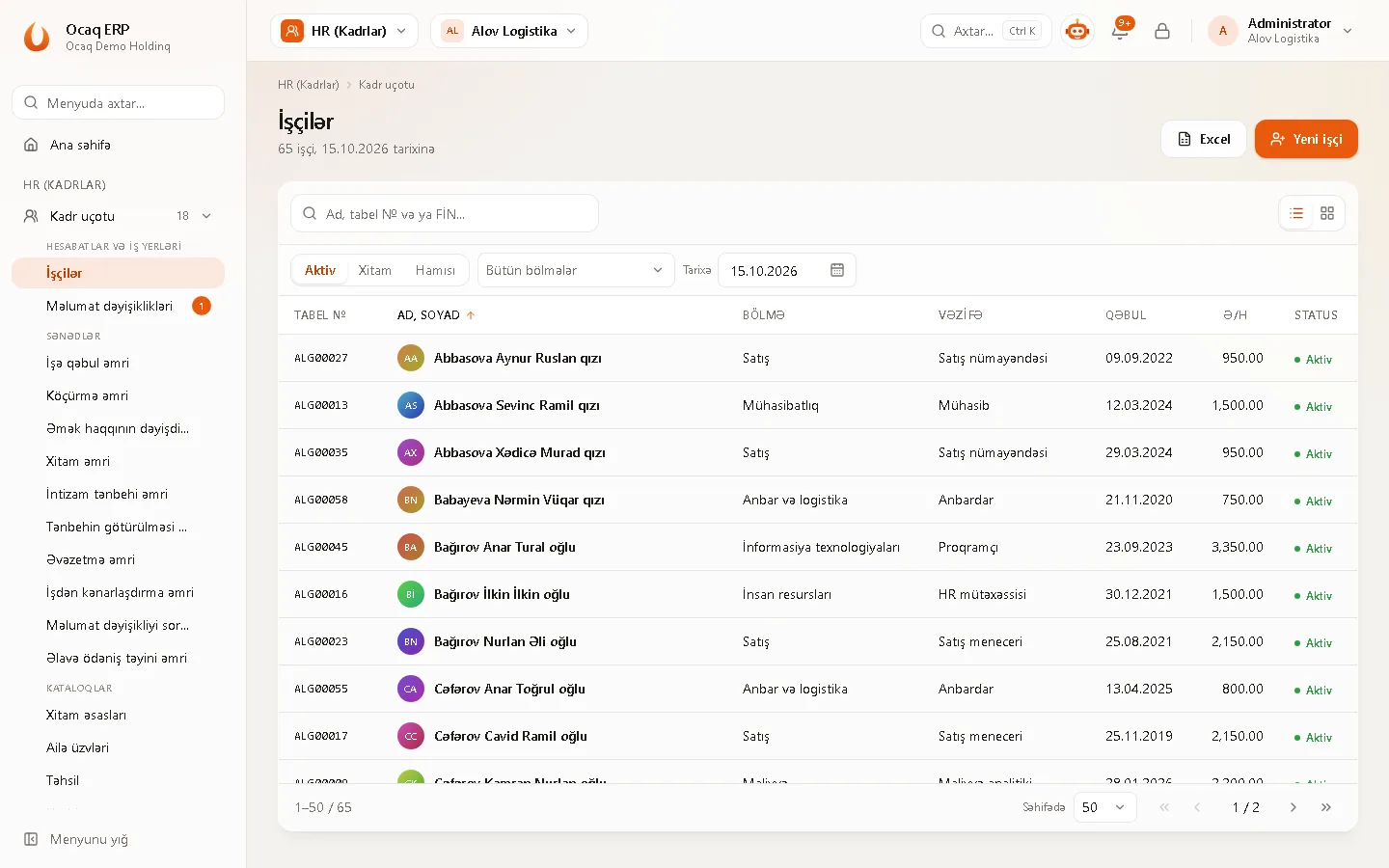
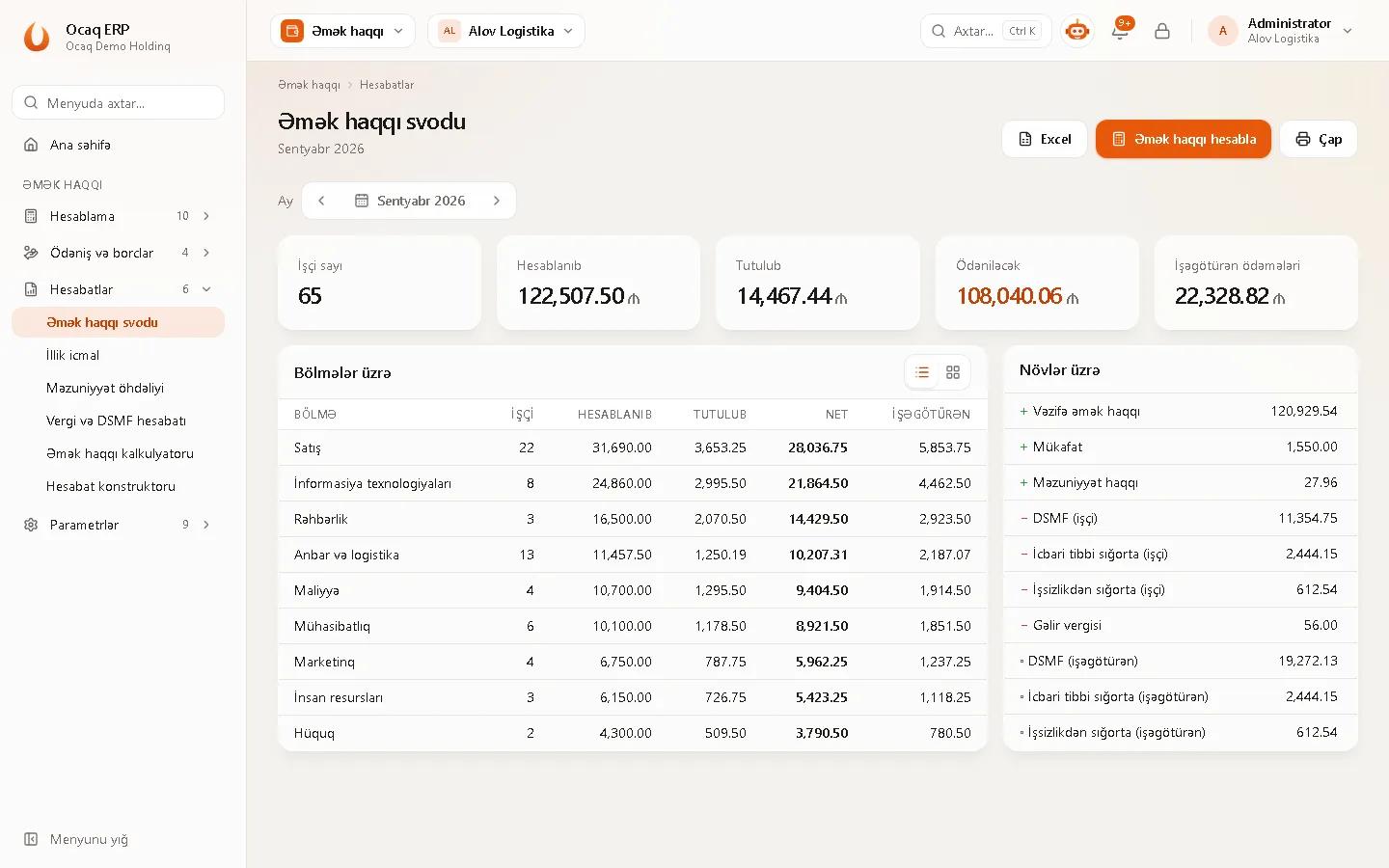
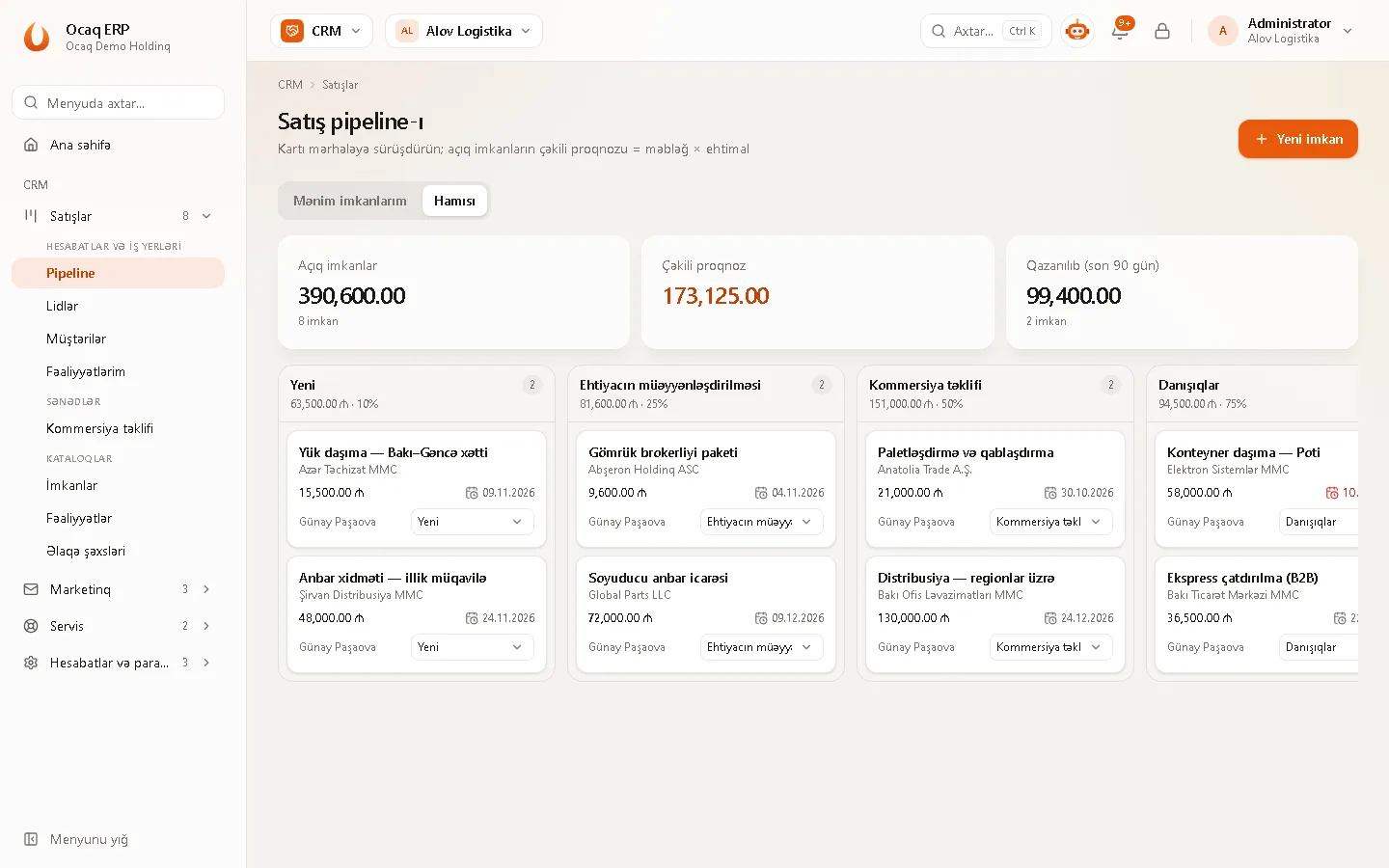
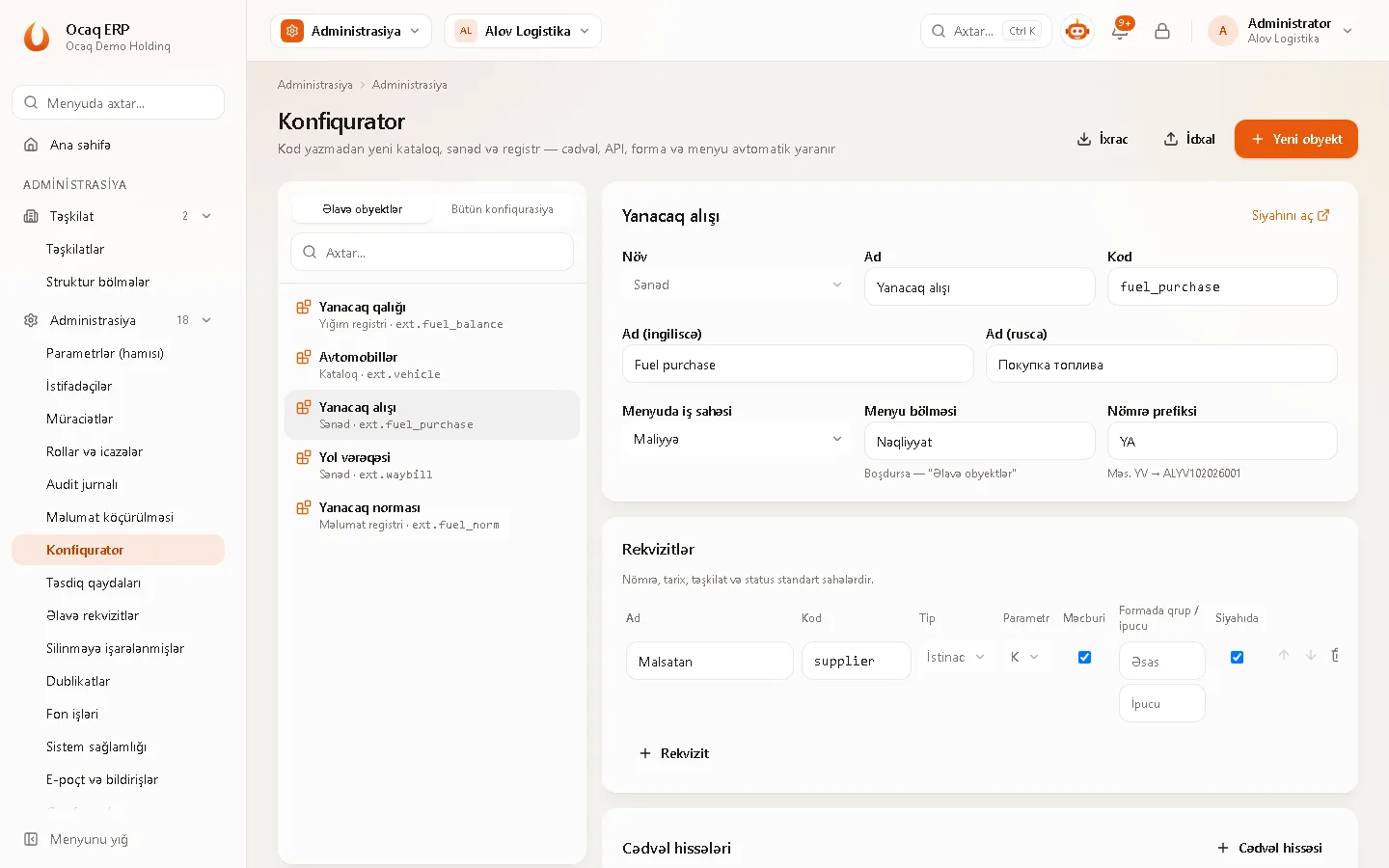
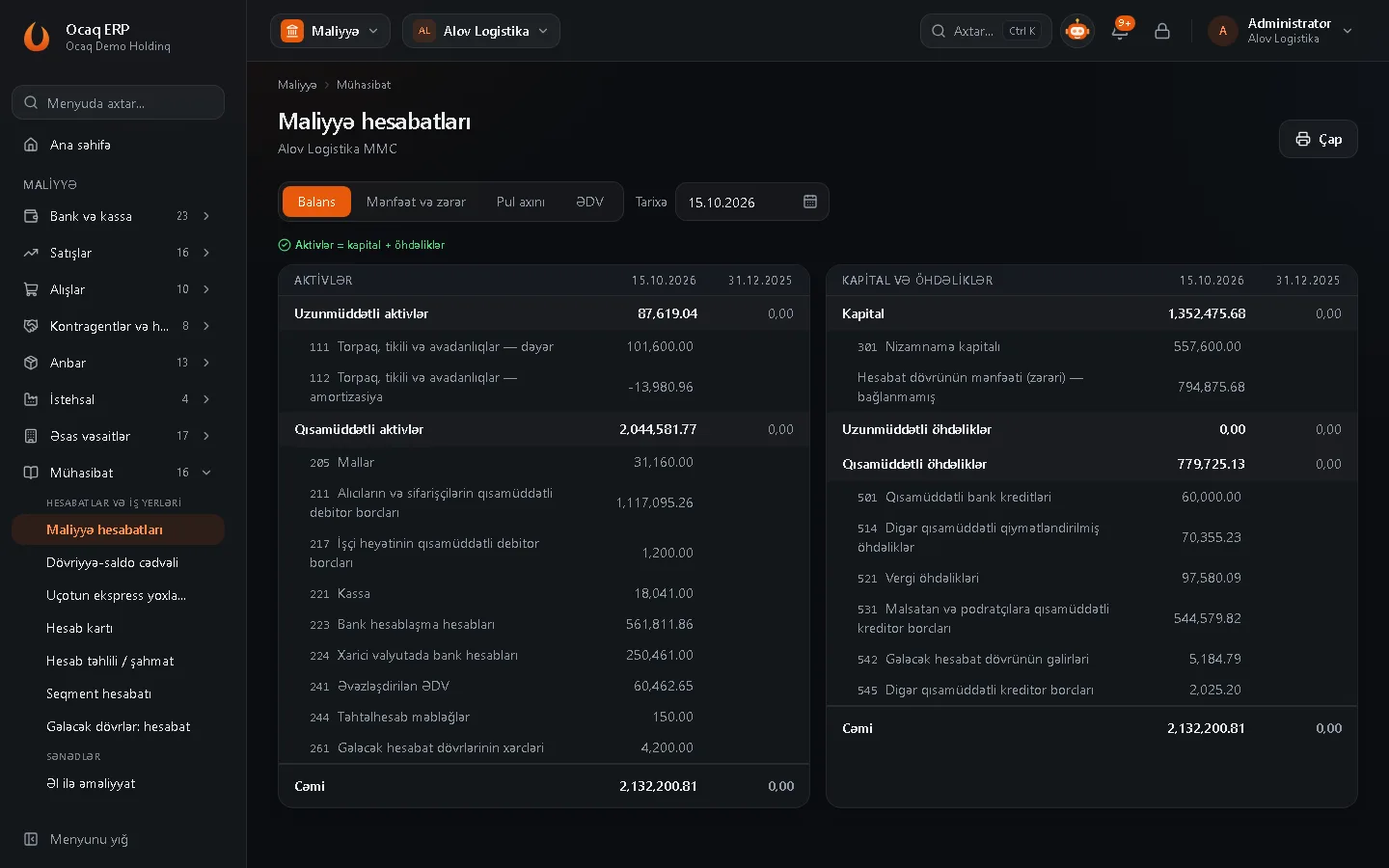
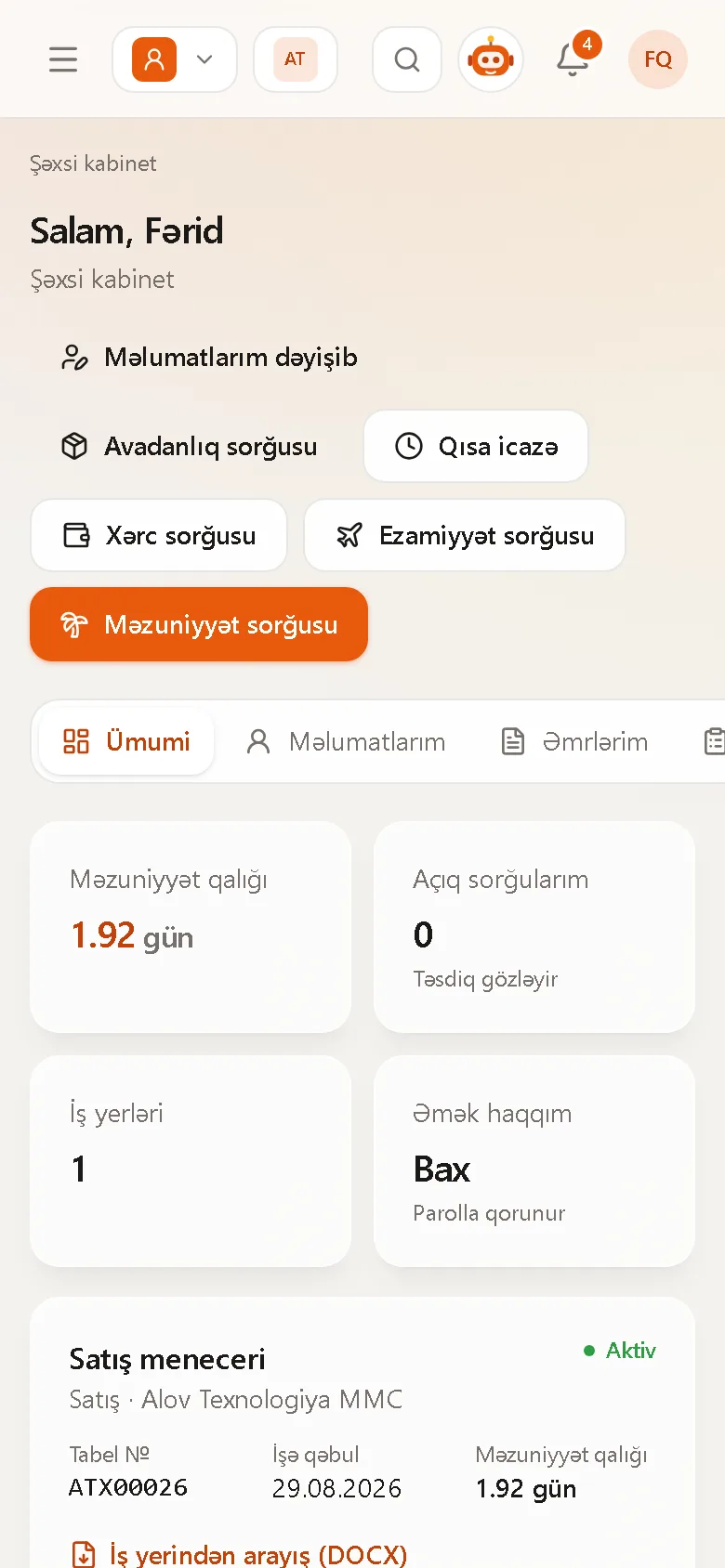
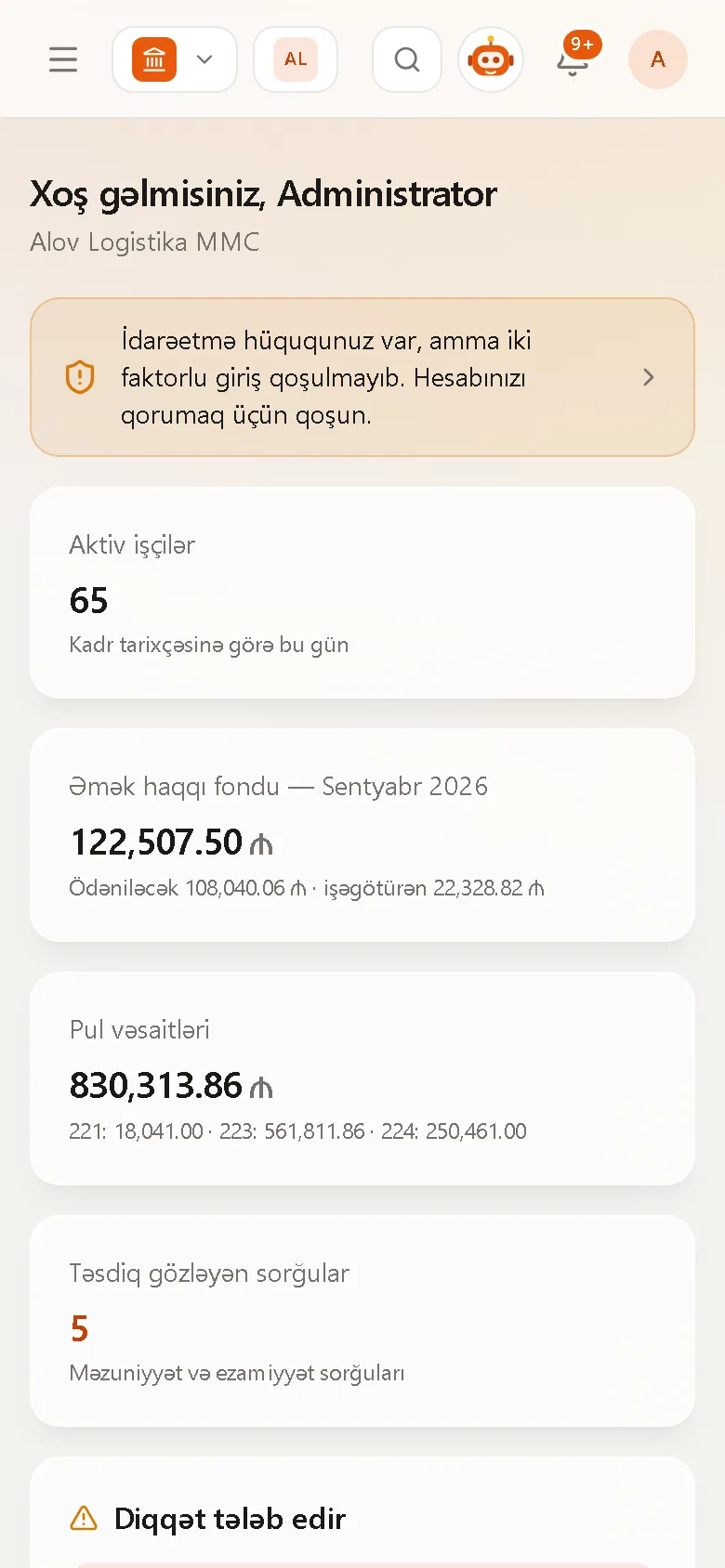
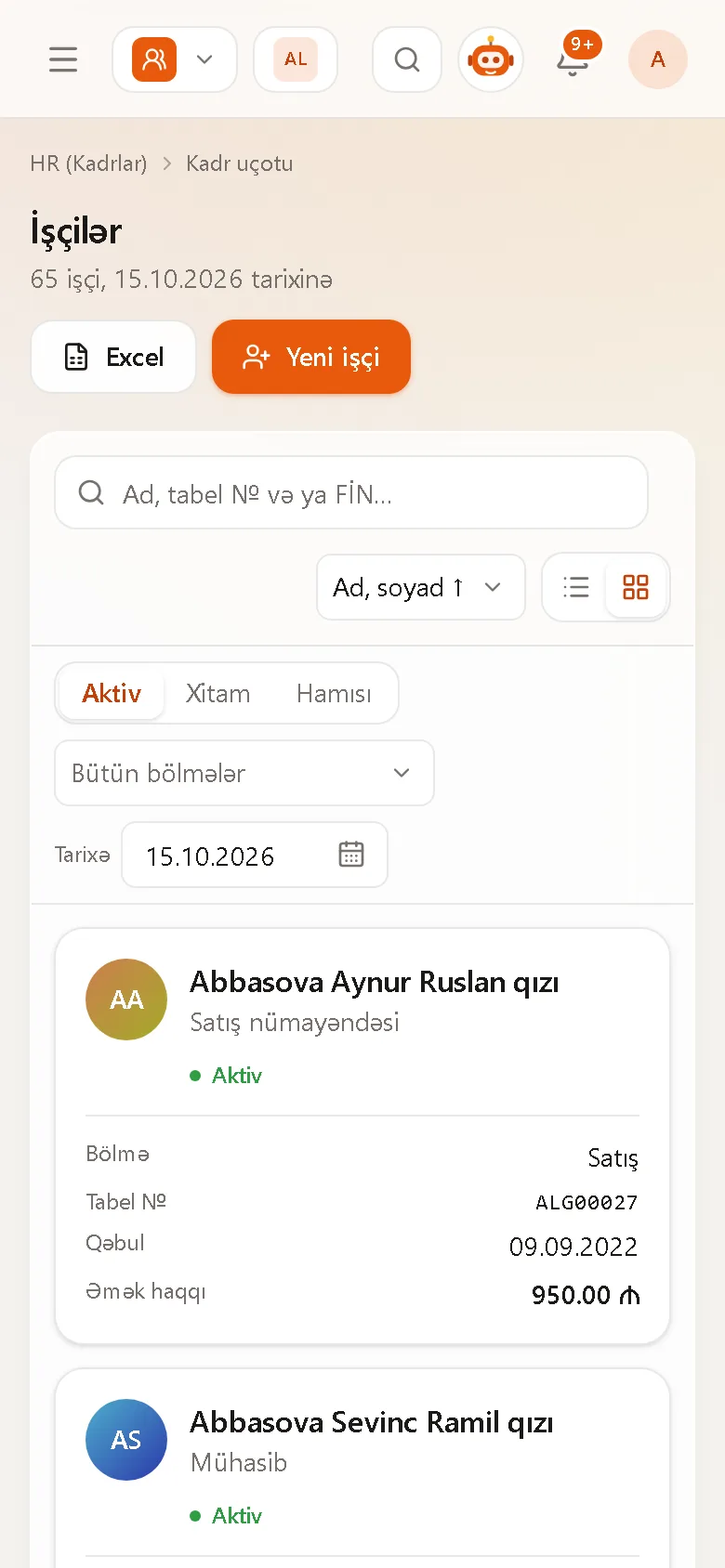
Work from anywhere in the browser; installation and updates are not your problem.
Dozens of companies in one system, shared catalogs, group reporting and intercompany elimination.
Rates, thresholds and accounts are dated parameters: changes take effect from their date, no code needed.
Role and company permissions, two-factor sign-in (2FA), IP allow-lists, a journal of every change (with Excel export), re-authentication for sensitive sections.
Employees, balances and catalogs via Excel templates; validated first — nothing is written if there are errors.
Licensing doesn't depend on user count — every employee can use the self-service portal.
As SaaS or on-premise, under your own brand (white label).
Azerbaijani, Russian and English; more languages can be added.
We study your processes and current system and prepare a migration plan.
We transfer and verify your data and tailor the parameters to your company.
Hands-on, scenario-based training for HR, accounting and managers.
Close support in the first months, then ongoing support and updates.
Pricing depends on company size and selected modules. The number of users does not increase the price.
On request
monthly subscription
On request
one-time licence + support
On request
per project
Contact us for an exact quote — we reply within one business day.
Our implementation, support and integration partners.
Our partner programme is open to accounting, audit and IT companies.
Become a partnerEmployees, opening balances, catalogs and bank statements are imported with Excel templates. The system validates the whole file first; if there are errors nothing is written and every error is shown line by line.
Tax and social contribution rates, thresholds and accounts are dated parameters. You enter the new value with its effective date — past periods keep the old rule, new ones use the new rule.
No. A holding is one system: switch between companies in one click, report per company or for the whole group, with intercompany elimination.
Your choice: in our cloud (a separate database per customer) or on your company's own server.
Yes — the self-service portal covers leave and trip requests, orders, work schedule and payslips. No extra charge per user.
Fill in the form below — we'll run an online presentation at a time that suits you and give you test access.
Fill in the form — we'll get back to you within one business day.